How to Automate Twitter DMs Without Getting Banned: The Safe Guide (2026)
How to automate Twitter DMs safely in 2026 for outreach that books meetings: account warm-up, AI personalization, human-like delays, and the safety setup that keeps your X account alive.
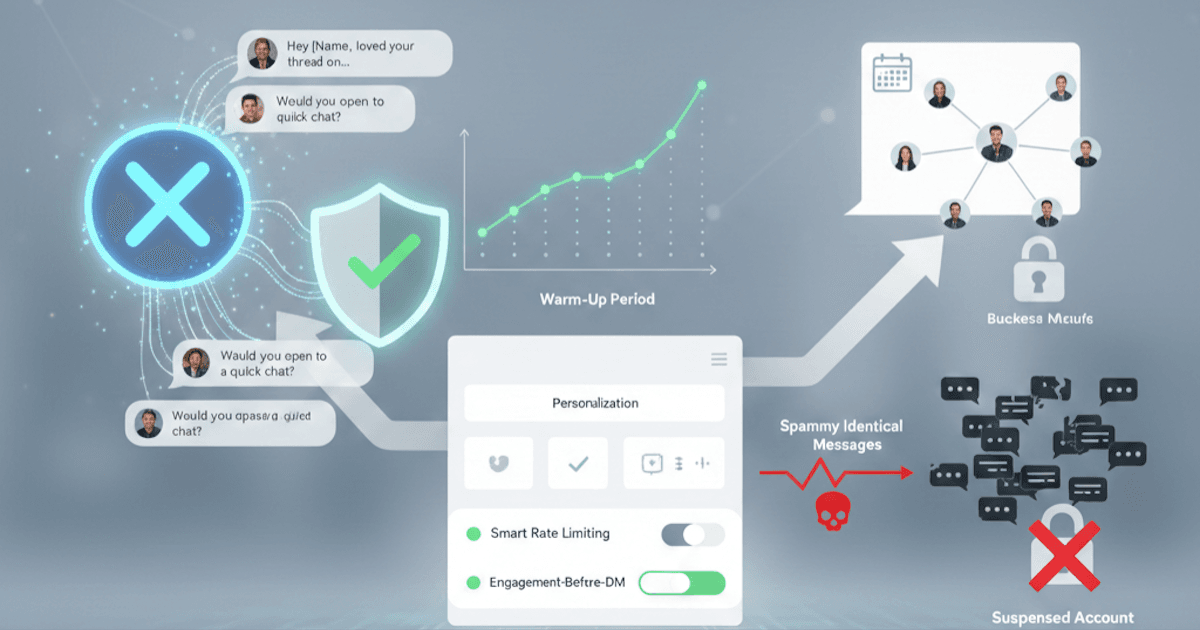
How do you automate Twitter DMs without getting banned? Send personalized (not identical) messages, warm up the account first, keep daily volume low and ramped, add human-like delays between actions, and route everything through a tool with browser-grade fingerprinting and a dedicated proxy. The accounts that survive automate behavior that looks human at the packet level, not just messages that read well.
Want this done for you? Autoreach handles Twitter DM automation end to end, as part of an AI SDR that detects buyer intent and books meetings across X, LinkedIn, Email, and Instagram.
That last point is what most guides miss. X does not ban you for using a tool. It bans you for looking like a bot: identical payloads, machine-timed actions, datacenter IPs, and TLS fingerprints that scream "headless script." This guide covers what actually triggers suspensions, the safe scaling framework, and how to automate Twitter DMs at scale without losing your account.
Table of Contents
- Can You Automate Twitter DMs?
- What Gets You Banned on Twitter
- The Safe Way to Automate Twitter DMs
- Best Practices for Auto DMs That Get Replies
- Tools That Do Twitter DM Automation Right
- Step-by-Step Setup Guide
- Key Takeaways
- FAQ
Can You Automate Twitter DMs?
Yes, absolutely. But the answer comes with a crucial caveat: you need to do it the right way.
Twitter's terms of service prohibit "spamming" and "platform manipulation," but they don't ban all automation. The platform actually expects businesses to use tools for managing communications at scale. The line between acceptable Twitter DM automation and spam comes down to:
- How you warm up your account before outreach
- How personalized your messages are (or aren't)
- How quickly you scale your activity
- How human your underlying connection looks (fingerprint, IP, timing)
Think of it this way: Twitter's systems are designed to detect and punish behavior that hurts user experience. If your automated DMs feel like spam to recipients, X will treat them like spam. If they feel like genuine, valuable outreach even at scale, you'll be fine.
The companies successfully running Twitter DM automation aren't using secret hacks. They're following a systematic approach that prioritizes quality over quantity, and they run it through infrastructure that does not announce itself as a bot.
What Gets You Banned
Before we cover the right way to automate Twitter DMs, let's be crystal clear about what triggers account suspensions. Understanding these red flags is essential for safe Twitter DM automation.
Aggressive Following and Unfollowing
Twitter closely monitors follow/unfollow patterns. If you're following hundreds of accounts per day only to unfollow them when they don't follow back, you're signaling manipulation.
The Danger Zone:
- Following more than 100 to 200 accounts per day
- Unfollowing large numbers of accounts in short bursts
- Follow-to-follower ratios that look unnatural
- Rapid fluctuations in your following count
Spammy Identical Messages
This is the fastest way to get banned when automating Twitter DMs. When Twitter's spam detection sees the same message sent to dozens of accounts, it's game over.
What Triggers Detection:
- Copy-paste messages with no personalization
- Messages that differ only by the recipient's name
- Template messages sent in rapid succession
- High volumes of messages with identical structure
Datacenter IPs and Bot-Like Fingerprints
This is the silent account killer most people never diagnose. Even with perfect messages, you get flagged if your connection looks automated. X inspects the IP you connect from and the TLS handshake your client produces. A shared datacenter IP, a rotating proxy that hops countries mid-session, or a headless-browser fingerprint is a giveaway that no amount of clever copy can fix.
Red Flags at the Connection Level:
- Datacenter or VPN IP addresses (X distrusts these)
- Rotating proxies that change geography during a session
- TLS or browser fingerprints that match known automation libraries
- Many accounts operating from the same IP
Suspicious Links and Link Shorteners
Twitter is extremely wary of links in DMs, especially from accounts without established trust.
Red Flags:
- Link shorteners (bit.ly, tinyurl, etc.) in DMs
- Links to unknown or low-reputation domains
- Links in your very first message to someone
- Multiple links in a single message
No Warm-Up Period Before Automating Twitter DMs
New accounts or accounts suddenly changing behavior patterns trigger immediate scrutiny. Twitter's systems are designed to catch accounts that go from zero to bulk messaging overnight.
Risky Patterns:
- New accounts sending DMs within the first week
- Established accounts suddenly increasing DM volume 10x
- Accounts with no engagement history starting outreach
- Dormant accounts reactivating with mass messaging
Ignoring Twitter Rate Limits
Twitter has undisclosed rate limits that change regularly. Exceeding them even once can trigger temporary locks or permanent suspensions.
General Safe Limits for Twitter DM Automation:
- DMs: Start at 15 to 20 per day, max 50 to 75 per day for established accounts
- Follows: 50 to 100 per day maximum
- Likes: 100 to 200 per day maximum
- Overall actions: Stay under 500 combined actions per day
The Safe Way to Automate DMs
Now for the framework that actually works. This approach to Twitter DM automation takes patience but delivers consistent results without risking your account.
Phase 1: Account Warm-Up Before Automating Twitter DMs (Weeks 1-2)
Before sending a single automated DM, your account needs to establish legitimate activity patterns.
Week 1: Foundation Building
- Complete your profile 100% (photo, header, bio, location, website)
- Post 2 to 3 original tweets per day
- Like 10 to 15 tweets in your niche
- Reply thoughtfully to 5 to 10 tweets
- Follow 10 to 20 relevant accounts
Week 2: Establishing Patterns
- Increase posting to 3 to 5 tweets per day
- Engage with your new followers' content
- Join conversations in your industry
- Start a few DM conversations manually (with people who engage with you)
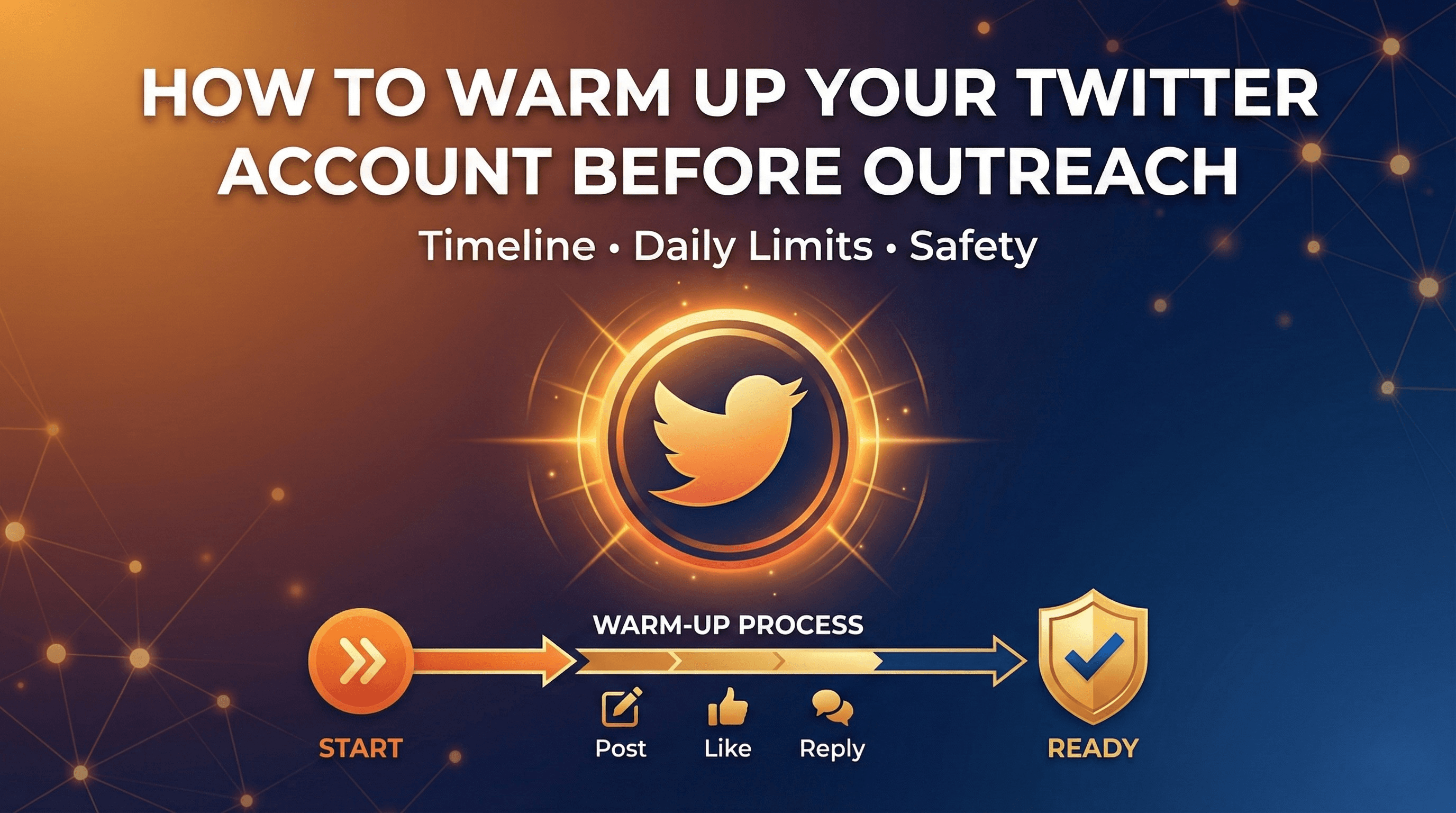
The goal is creating a baseline of normal, human activity. Twitter's systems need to see that you're a real user who engages naturally before they'll trust your automated activity. For a deeper playbook, see our guide on how to warm up your Twitter account before outreach.
Phase 2: Gradual Scaling of Twitter DM Automation (Weeks 3-4)
With your account warmed up, you can begin automated outreach. Slowly.
Week 3: Initial Twitter DM Automation
- Start with 10 to 15 automated DMs per day
- Continue all organic engagement activities
- Monitor for any warning signs (rate limits, reduced reach)
- Track response rates to optimize messaging
Week 4: Controlled Growth
- Increase to 20 to 30 DMs per day
- Add follow-up sequences for non-responders
- Maintain 50%+ of your activity as organic engagement
- Adjust based on response rates and account health
Phase 3: Full Twitter DM Automation with Guardrails
After a successful ramp-up period, you can scale further while maintaining safety.
Sustainable Twitter DM Automation Looks Like:
- 40 to 75 personalized DMs per day maximum
- Automated warm-up engagement before each DM
- AI-powered personalization for every message
- Built-in delays that mimic human behavior
- Continued organic posting and engagement
- Automatic pause if rate limits are detected
The Engagement-Before-DM Strategy
The most important tactic for safe Twitter DM automation: engage with prospects before you message them.
Here's the sequence that gets 30 to 40% response rates:
- Day 1-3: Like 2 to 3 of their tweets
- Day 4-5: Reply to one of their tweets with something valuable
- Day 6-7: They may start recognizing your profile picture
- Day 8+: Send your DM. Now it's warm, not cold
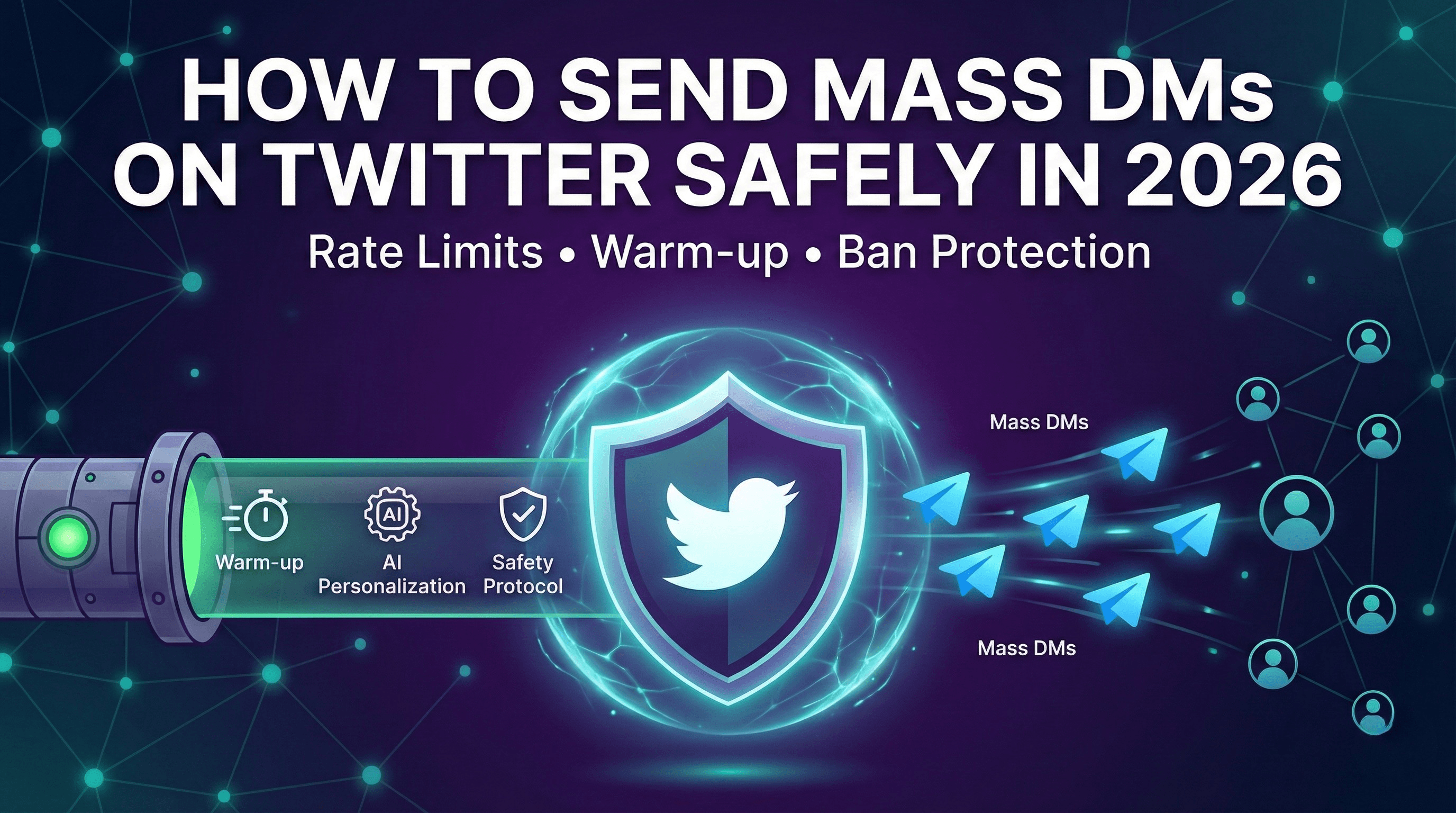
When someone receives a DM from an account that's been engaging with their content, it feels like a natural next step in a relationship. When they get a DM from a stranger, it feels like spam. If you want to scale this without micromanaging each step, read how to send mass DMs on Twitter safely.
Best Practices for Auto DMs That Get Replies
Even with perfect Twitter DM automation safety, your results depend on message quality. Here's what separates 5% response rates from 40% response rates.
Never Include Links in Your First Automated DM
Links in cold DMs are the fastest way to look like spam to both Twitter and your recipients.
Instead:
- Focus on starting a conversation
- Mention your offer without linking to it
- Wait for a response before sharing resources
- If they express interest, then share links
Keep Automated Twitter DMs Under 5 Sentences
Walls of text don't get read. Respect your prospect's time with concise messaging.
Effective Structure:
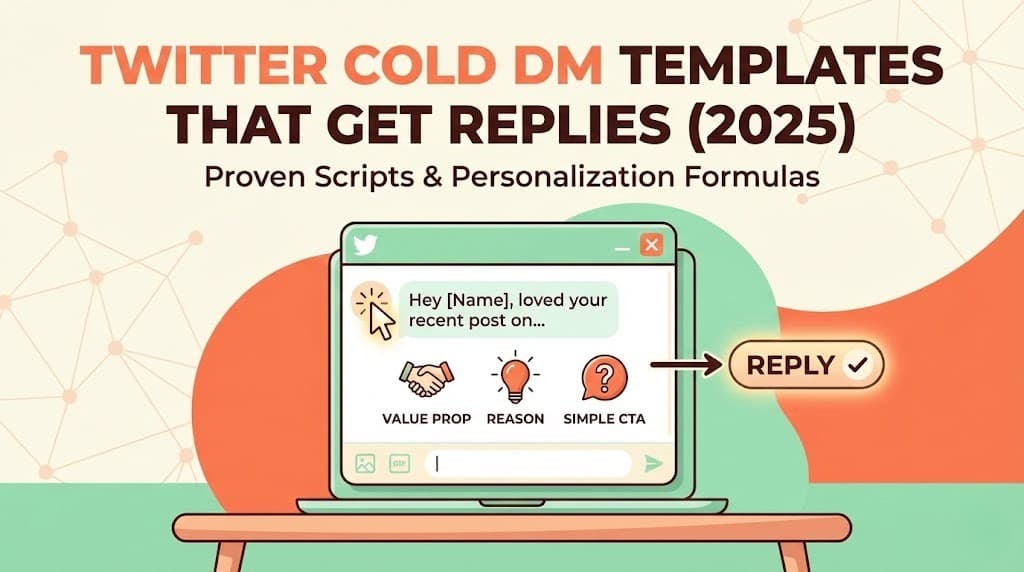
[Personalized opener referencing their content]
[Why you're reaching out]
[The value you offer in one sentence]
[Simple question or CTA]
Example:
Hey [Name], loved your thread on scaling sales teams, especially the point
about hiring for curiosity over experience.

We're helping B2B sales teams book 3 to 5x more meetings through AI-powered
Twitter outreach.

Would you be open to a quick chat about how we could help [Company]?
Mention Something Specific in Your Automated Twitter DMs
Generic messages like "I noticed you're in [industry]" fool no one. Real personalization references something unique to that person.
Strong Personalization Triggers:
- A specific tweet they wrote (with your reaction to it)
- A company announcement or milestone
- Their background or career transition
- A mutual connection or shared interest
- Their content or thought leadership
Weak Personalization (Avoid):
- Just using their first name
- Mentioning their industry generically
- Noting their job title
- "I see you're the [role] at [company]"
For ready-to-adapt examples, see our Twitter cold DM templates that get replies.
Match Their Communication Style
Some prospects are formal, some are casual. Some love emojis, some hate them. Mirror their style for higher response rates.
Before sending, check:
- How do they write their tweets?
- Do they use emojis?
- Are they formal or conversational?
- What topics do they engage with most?
Ask Easy Questions in Automated Twitter DMs
Your first DM should prompt a simple response, not require deep thought.
Good Questions:
- "Would you be open to a quick chat?"
- "Does this sound like something worth exploring?"
- "Is this a priority for your team right now?"
Questions That Kill Response Rates:
- "What are your top three challenges with lead generation?"
- "How does your current process for X work?"
- "What would you need to see to consider switching tools?"
Tools That Do Twitter DM Automation Right
Not all Twitter automation tools are created equal. Many older tools will get your account banned because they weren't designed for Twitter's modern detection systems. The right tool protects you at three layers: the message, the behavior, and the connection.
Safety Features to Look For in Twitter DM Automation Tools
Human-Like Behavior Patterns
- Randomized delays between actions
- Varied activity throughout the day
- Built-in rest periods that mimic breaks
- Per-account behavioral profiles so no two accounts move identically
A Connection That Looks Human
- Browser-grade TLS fingerprinting (indistinguishable from a real browser at the packet level)
- A dedicated ISP proxy, not a shared datacenter or rotating IP
- Typing simulation, not instant message injection
Smart Rate Limiting
- Automatic detection of Twitter warnings
- Adaptive limits based on account health
- Gradual ramp-up built into the system
- Automatic cooldowns when issues arise
Real Personalization
- AI-generated messages based on prospect data
- Integration with the prospect's recent tweets
- Dynamic content that varies every message
- No detectable templates
Why Autoreach is Different for Twitter DM Automation
Most Twitter automation tools focus on one thing: sending more messages faster. That's exactly backwards. Autoreach treats account safety as the foundation, then layers AI conversations on top.
1. Browser-Grade Safety Architecture Every action runs through browser-grade TLS fingerprinting that is indistinguishable from a human at the packet level. Each account gets its own behavioral profile, human-like delays, typing simulation, automatic cooldowns, and an optional dedicated ISP proxy ($15/month). This is the layer that keeps accounts alive, and it is the same architecture Autoreach runs across LinkedIn, X, Instagram, and email, so a single cross-channel sequence stays safe on every platform.
2. AI-Powered Warm-Up Before any DM goes out, Autoreach automatically engages with your prospect's content. It likes their tweets and leaves thoughtful replies, building familiarity so your DM arrives to someone who recognizes your name.
3. Truly Personalized Conversations Every message is written by AI based on the prospect's bio, recent tweets, and company information. No templates, no merge fields. And it is glass-box, not black-box: the Conversation Simulator lets you see and edit every AI reply before it sends, A/B test prompts side by side, and train the voice on your own best past DMs.
4. Signal-Driven Timing Autoreach monitors 20+ signal types 24/7 with under 2 minute detection latency: pain points, hiring spikes, funding news, tool-evaluation chatter, role changes, and direct intent like "anyone recommend a tool for...". Every lead is scored by fit, intent, and timing into a composite Buyer Score, so you DM people at the moment they're actually in-market instead of spraying a cold list.
5. Automatic Meeting Booking When a prospect is qualified and interested, the AI continues the conversation, handles objections, and books them directly into your calendar. No back-and-forth scheduling, no dropped leads. See how to book meetings on autopilot with AI for the full flow.
6. Autopilot or Copilot Run it fully automated as a web app (Autopilot), or use the Chrome extension (Copilot) that reads your live X and LinkedIn DMs and suggests replies in real time. Same AI, same data, same CRM.
How Autoreach Compares
At $99/month, Autoreach is not trying to be the cheapest single-purpose bot. It replaces an entire stack.
| Capability | Typical point tool | Autoreach |
|---|---|---|
| Price | $39 to $79/month each | $99/month, all features |
| Channels | X only | LinkedIn + X + Instagram + Email in one sequence |
| Dedicated ISP proxy | Extra or bring your own | Optional ($15/mo) |
| AI usage cost | Marked-up, baked in | BYOK, zero markup (about $50/month in AI) |
| Editable AI prompts | Locked templates | Glass-box, fully editable, live simulator |
| Signal-driven timing | No | 20+ signals, 24/7, under 2 min latency |
| Autopilot + Copilot | One or the other | Both |
Buying three or four point tools to match that costs far more than $99. For head-to-head breakdowns, see Tweet Hunter alternative, Hypefury vs Autoreach, and the 7 best Twitter automation tools compared.
Step-by-Step Setup Guide
Ready to start automating Twitter DMs safely? Here's your implementation roadmap.
Step 1: Audit Your Twitter Account (Day 1)
Before any automation, ensure your account is ready:
- Profile photo is professional and clear
- Header image communicates your value proposition
- Bio clearly states what you do and who you help
- Pinned tweet showcases your best content or offer
- Account has at least 30 days of history
- You have consistent posting history (at least 2 to 3 tweets per week)
Step 2: Define Your Ideal Prospect for Twitter DM Outreach (Day 1)
Get specific about who you're targeting:
- What job titles are you reaching out to?
- What company size is your sweet spot?
- What industries do they work in?
- What content signals they're a good fit?
Step 3: Build Your Prospect List for Twitter DM Automation (Day 2-3)
Find prospects through:
- Competitor follower lists (see how to extract followers from any Twitter account)
- People engaging with relevant hashtags
- Attendees of industry events
- Members of Twitter communities in your space
You can also skip the manual list-building entirely with the free Buyer Signal Scan: paste a website and get named decision makers with verified LinkedIn profiles plus a suggested angle per person, in about 20 seconds.
Step 4: Start Your Warm-Up Period (Weeks 1-2)
Follow the warm-up framework outlined earlier:
- Establish consistent organic activity
- Build engagement patterns
- Start recognizing patterns in your niche
- Don't send any automated DMs yet
Step 5: Launch Gradual Twitter DM Automation (Week 3)
Begin with conservative limits:
- 10 to 15 DMs per day maximum
- Enable warm-up engagement before each DM
- Monitor response rates and account health
- Adjust messaging based on responses
Step 6: Scale Your Twitter DM Automation Thoughtfully (Week 4+)
Increase volume only if metrics support it:
- Raise to 25 to 30 DMs per day if no issues in Week 3
- Continue to 40 to 50 DMs per day if response rates stay strong
- Cap at 50 to 75 DMs per day for long-term sustainability
- Never sacrifice personalization for volume
Key Takeaways
- You can automate Twitter DMs without a ban, but only if your messages, your behavior, and your connection all look human.
- The silent account killer is the connection layer. Datacenter IPs and bot-like TLS fingerprints get you flagged even with perfect copy. Use browser-grade fingerprinting and a dedicated ISP proxy.
- Warm up for 2 to 4 weeks and ramp DMs gradually, starting at 15 to 20 per day and capping around 50 to 75 for established accounts.
- Engage before you DM and personalize every message off the prospect's actual content to push response rates toward 40%.
- Autoreach handles all three layers and runs the same safety architecture across LinkedIn, X, Instagram, and email, with signal-driven timing and glass-box editable AI, for $99/month.
Frequently Asked Questions
Is automating Twitter DMs legal?
Yes. Automating Twitter DMs isn't illegal. It's a common business practice. What matters is how you do it. Spam is against Twitter's terms of service, but genuine, personalized business outreach using automation tools is acceptable.
How many Twitter DMs can I send per day without getting banned?
For established, warmed-up accounts, 50 to 75 DMs per day is generally safe. New accounts or accounts without proper warm-up should stay under 20 per day. Always prioritize message quality over quantity.
How long does account warm-up take before automating Twitter DMs?
A proper warm-up takes 2 to 4 weeks. This might feel slow, but it's essential. Accounts that skip warm-up regularly face suspensions within days of starting automation.
What's the average response rate for automated Twitter DMs?
It varies dramatically based on approach. Spammy bulk messages get 1 to 3%. Well-personalized messages with proper warm-up engagement achieve 25 to 40% response rates. Autoreach users see about a 40% reply rate and roughly 2 meetings booked per day.
Does Autoreach work on Instagram and email too, or just Twitter?
All four. Autoreach runs LinkedIn, X (Twitter), Instagram, and email (Gmail and Outlook) in a single cross-channel sequence, with the same browser-grade safety architecture on every platform. Email uses smart routing (Gmail-to-Gmail, Outlook-to-Outlook) for deliverability.
What stops my account from getting banned that template tools don't?
The connection layer. Autoreach uses browser-grade TLS fingerprinting that is indistinguishable from a human at the packet level, an optional dedicated ISP proxy ($15/mo, not a shared datacenter IP), per-account behavioral profiles, human-like delays, typing simulation, and automatic cooldowns. Most cheap tools protect only the message, not the behavior or the connection.
How much does Autoreach cost?
$99/month for the Self-Serve plan, which includes all platforms (LinkedIn, X, Instagram, Email) and every feature, with an optional dedicated proxy for $15/month. You can use the included AI credits, or bring your own key with no markup (about $20 to $50/month in AI cost on your own key). Set up in 30 minutes, 7-day software trial with a $20 activation fee, cancel anytime. A Done-For-You option is also available: $299 setup, then $200 per meeting booked, where the Autoreach team sets everything up in one 30-minute call and runs Autoreach for you across all platforms, and you pay nothing else until meetings land in your calendar.
Can I automate Twitter DM follow-ups?
Yes, and you should. Most responses come on the second or third message. Set up a sequence of 2 to 3 follow-ups spaced 3 to 7 days apart. Stop immediately when someone responds or asks you to stop. Autoreach handles follow-ups and live replies automatically.
What should I do if I get a warning from Twitter about DM automation?
Stop all automated activity immediately. Pause for at least 48 to 72 hours. When you resume, reduce your limits by 50% and increase organic engagement. Consider the warning a sign to reassess your approach. Tools with automatic cooldowns will throttle for you before a warning becomes a suspension.
Start Automating Twitter DMs the Right Way
Twitter DM automation works when you respect the platform and your prospects. The difference between accounts that get banned and accounts that book meetings consistently comes down to patience, personalization, and infrastructure that looks human at every layer.
Your next steps:
- Audit your account and complete any profile gaps
- Start your warm-up period with consistent organic activity
- Build your prospect list from high-intent sources
- Choose a tool with built-in safety at the message, behavior, and connection layers
- Launch gradually and optimize based on results
Try Autoreach, the AI Buyer Engine that detects buying signals across LinkedIn, X, Instagram, and email, scores every lead by fit, intent, and timing, runs cross-channel sequences, and books meetings on autopilot. One plan, every feature, an optional dedicated proxy (activation included, then $15/mo), and AI included to start. $99/month, set up in 30 minutes, cancel anytime.
Tags
Ready to find buyers worth contacting this week?
Autoreach detects buying signals across LinkedIn, X, Instagram, and email, then books meetings on autopilot.