How to Send Mass DMs on Twitter Safely in 2026
How to send mass DMs on Twitter safely in 2026: current DM limits, what triggers bans, warm-up steps, and the safety architecture that scales outreach.
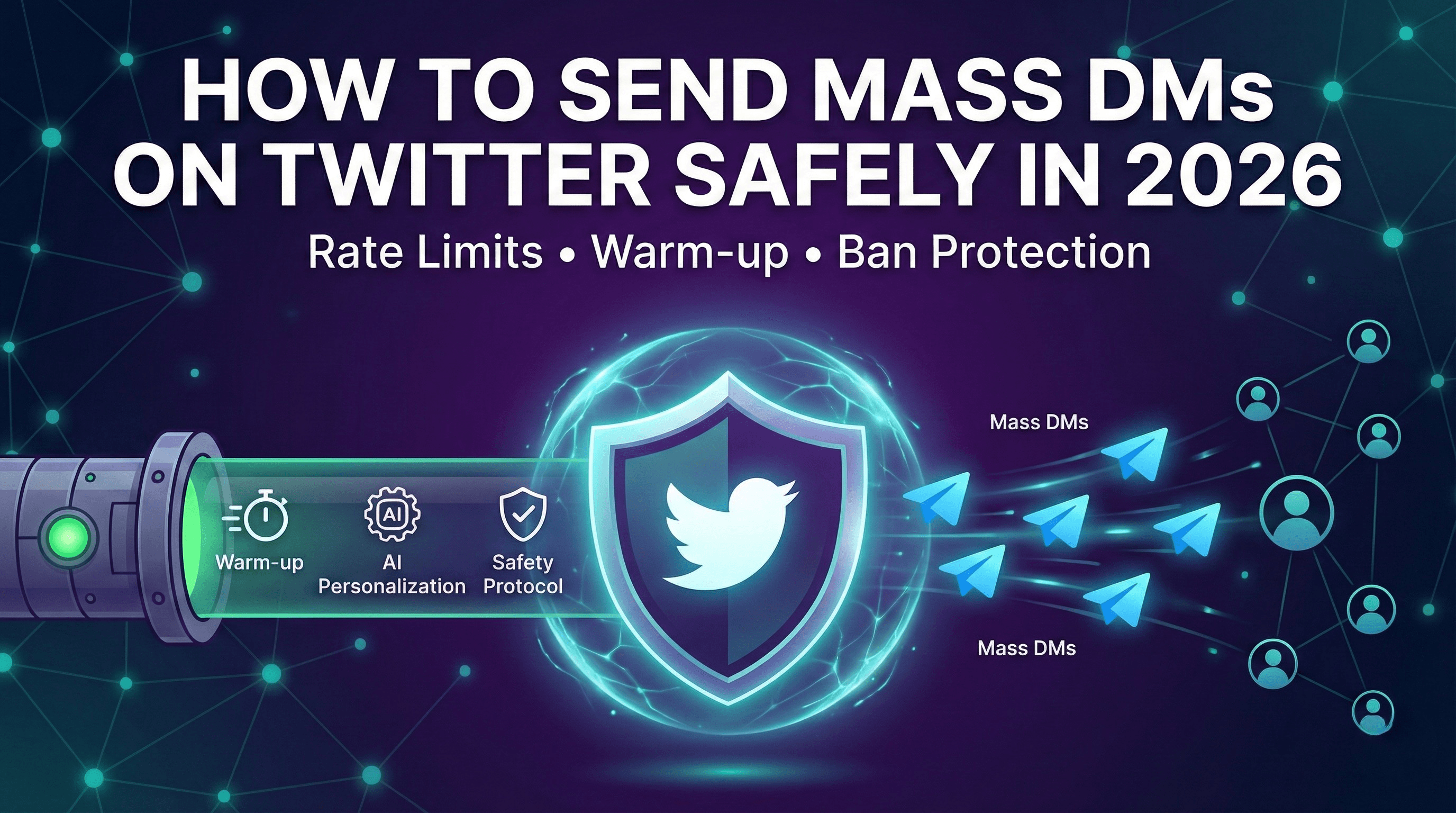
To send mass DMs on Twitter safely in 2026, warm up your account for two to four weeks, personalize every message with real profile data, engage before you DM, cap volume at human-like levels (15 to 20 per day on new accounts, 50 to 75 on mature ones), and use a tool with browser-grade TLS fingerprinting and automatic cooldowns. Safe bulk DMs are about pacing and personalization, not raw volume.
Sending mass DMs on Twitter is one of the fastest ways to generate leads and book meetings, but it is also one of the fastest ways to get your account suspended. The difference between booked meetings and a banned account comes down to understanding how to send bulk DMs on Twitter the right way.
In 2026, Twitter (X) has evolved its spam detection significantly. The days of blasting identical messages to hundreds of accounts are long gone. But here is the good news: if you follow the right framework and run on a platform built for safety, you can send mass DMs on Twitter at scale and hit response rates that make it worth the effort.
This guide covers everything you need to know about Twitter mass DM outreach in 2026, including current rate limits, what triggers bans, the step-by-step approach to scaling safely, and how modern outbound has gone multichannel.
Table of Contents
- Can You Send Mass DMs on Twitter?
- Twitter DM Limits in 2026
- What Gets You Banned When Sending Bulk DMs
- The Safe Way to Send Mass DMs on Twitter
- Mass DM Best Practices
- Tools for Safe Twitter Mass DM Campaigns
- Why Mass DMs Work Better Across Multiple Channels
- Key Takeaways
- FAQ
Can You Send Mass DMs on Twitter?
Yes, you can send mass DMs on Twitter, but the approach matters far more than the tools you use.
Twitter's terms of service prohibit spam and platform manipulation, not automation itself. Businesses and creators have been sending bulk DMs on Twitter for years. The ones who succeed understand the difference between valuable outreach and spam.
Here is the reality: Twitter's algorithms are sophisticated enough to distinguish between:
- Spam: Identical messages, aggressive volume, no prior engagement, suspicious links
- Legitimate outreach: Personalized messages, gradual scaling, authentic engagement patterns
When you learn how to send bulk DMs on Twitter correctly, you are essentially teaching the algorithm that your messages are valuable. This means:
- Building account reputation before scaling
- Personalizing every message (not just inserting names)
- Engaging with prospects before DMing them
- Respecting rate limits and human-like pacing
The companies booking 10+ meetings per week through Twitter mass DM campaigns are not using secret tricks. They follow a systematic approach that prioritizes quality and safety over raw volume. For the broader picture, see our complete guide to Twitter and X lead generation.
Twitter DM Limits in 2026
Understanding Twitter's DM limits is essential before you send mass DMs on Twitter. These limits have evolved significantly, and the 2026 landscape looks different than previous years.
Official DM Limits
Twitter does not publish exact numbers, but based on extensive testing and community data, here is what we know about bulk DM Twitter limits in 2026:
Unverified Accounts:
- Daily DM limit: about 500 DMs per day (hard cap)
- New conversation limit: lower, approximately 200 to 300 new conversations
- Rate limiting kicks in: after rapid successive messages
Verified Accounts (X Premium):
- Daily DM limit: up to 1,000 DMs per day
- Higher tolerance for volume
- Faster recovery from rate limiting
Dynamic Rate Limits
Here is what most guides miss: Twitter uses dynamic rate limits based on your account's reputation score.
Factors that affect your limits:
- Account age and history
- Engagement patterns (likes, replies, retweets you receive)
- Previous spam flags or warnings
- Verification status
- How recipients interact with your messages
A new account might hit restrictions after 20 to 30 DMs. An established account with positive engagement history might send 100+ before seeing any friction.
Cooldown Periods
When you trigger Twitter's spam detection while sending bulk DMs, you will encounter cooldown periods:
- Soft rate limit: 30-minute cooldown, can resume after
- Temporary restriction: 12 to 24 hours, account features limited
- Shadow restriction: messages delivered but hidden from recipients
- Account lock: requires phone verification to unlock
The goal is to never hit these limits. If you do, it is a signal your approach needs adjustment.
Safe Limits for Twitter Mass DM Campaigns
Based on what actually works without triggering restrictions:
| Account Status | Daily Safe Limit | Notes |
|---|---|---|
| New account (under 30 days) | 15 to 20 DMs | Focus on warm-up, not volume |
| Established (30 to 90 days) | 30 to 50 DMs | Gradual scaling recommended |
| Mature (90+ days) | 50 to 75 DMs | Sustainable long-term volume |
| Verified + Mature | 75 to 100 DMs | Higher ceiling with good reputation |
These are conservative limits that prioritize account longevity over short-term volume.
What Gets You Banned When Sending Bulk DMs
Before diving into the safe approach, let's be clear about what triggers account suspensions when attempting Twitter mass DM outreach.
Identical or Template Messages
This is the number one reason accounts get banned. Twitter's spam detection easily identifies:
- Copy-paste messages sent to multiple recipients
- Template messages that only change the recipient's name
- Messages with identical structure and similar word patterns
- Bulk messages sent in rapid succession
The detection is sophisticated. Even if you vary a few words, pattern matching will catch you. True personalization is the only solution.
No Warm-Up Period
Accounts that go from zero DM activity to sending bulk DMs on Twitter immediately raise red flags:
- New accounts attempting mass outreach in week one
- Dormant accounts suddenly sending dozens of DMs
- Established accounts 10x-ing their DM volume overnight
Twitter's systems expect gradual, natural growth in activity. Sudden spikes trigger automated review. Our Twitter account warm-up guide walks through the full ramp.
Spam-Like Behavior Patterns
Even with good messages, certain behaviors signal spam:
- Sending DMs at inhuman speeds (one every few seconds)
- Activity during unusual hours with no breaks
- High volume of DMs with near-zero replies
- Messages to accounts that never engaged with you
Suspicious Links
Links in DMs, especially first messages, dramatically increase ban risk:
- Link shorteners (bit.ly, tinyurl) are major red flags
- Links to unknown domains
- Multiple links in a single message
- Landing pages that look like phishing attempts
High Block/Report Rates
When recipients consistently block you or report your messages as spam, Twitter takes action:
- Block rate over 10% triggers review
- Multiple spam reports can result in immediate suspension
- Even a few reports on a new account causes problems
The Safe Way to Send Mass DMs on Twitter
Now for the framework that actually works. This approach to sending mass DMs on Twitter takes patience but delivers consistent results without risking your account.
Step 1: Account Warm-Up (2 to 4 Weeks)
Before sending a single bulk DM, your account needs to establish credibility with Twitter's systems.
Week 1 to 2: Foundation
- Complete your profile 100% (professional photo, header, bio with keywords)
- Post 2 to 3 valuable tweets per day in your niche
- Like 15 to 20 relevant tweets daily
- Reply thoughtfully to 5 to 10 tweets from potential prospects
- Follow 15 to 25 relevant accounts (stay under a 1:1 ratio)
Week 3 to 4: Engagement Building
- Increase posting to 3 to 5 tweets per day
- Start conversations via replies that add value
- Send 3 to 5 manual DMs to people who engage with your content
- Build genuine connections before automation
This warm-up period is not just about avoiding bans. It builds the engagement patterns that make your eventual bulk DMs more effective.
Step 2: Gradual Scaling
With a warmed-up account, begin automated outreach slowly.
Week 5: Initial Launch
- Start with 15 to 20 automated DMs per day maximum
- Continue all organic engagement activities
- Monitor for warnings or reduced reach
- Track response rates to optimize messaging
Week 6: Controlled Growth
- Increase to 25 to 35 DMs per day if no issues
- Add follow-up sequences for non-responders
- Maintain at least 30% organic activity
Week 7+: Sustainable Volume
- Scale to 50 to 75 DMs per day maximum
- Never sacrifice personalization for volume
- Continue organic engagement alongside automation
Step 3: Engage Before You DM
The highest-converting Twitter mass DM strategies include pre-engagement:
- Day 1 to 2: Like 2 to 3 of their recent tweets
- Day 3 to 4: Reply to one of their tweets with something valuable
- Day 5 to 7: They start recognizing your profile
- Day 8+: Send your DM (now it is warm, not cold)
When someone receives a DM from an account that has been engaging with their content, it does not feel like spam. It feels like a natural progression of a relationship.
Step 4: Personalize Every Message
This is non-negotiable for safe Twitter mass DM campaigns. Every message needs genuine personalization:
Strong Personalization:
- Reference a specific tweet they wrote
- Mention their recent company news
- Comment on their content or thought leadership
- Note a shared connection or interest
Weak Personalization (Gets Flagged):
- Only using their first name
- Generic industry mentions
- "I noticed you're interested in [broad topic]"
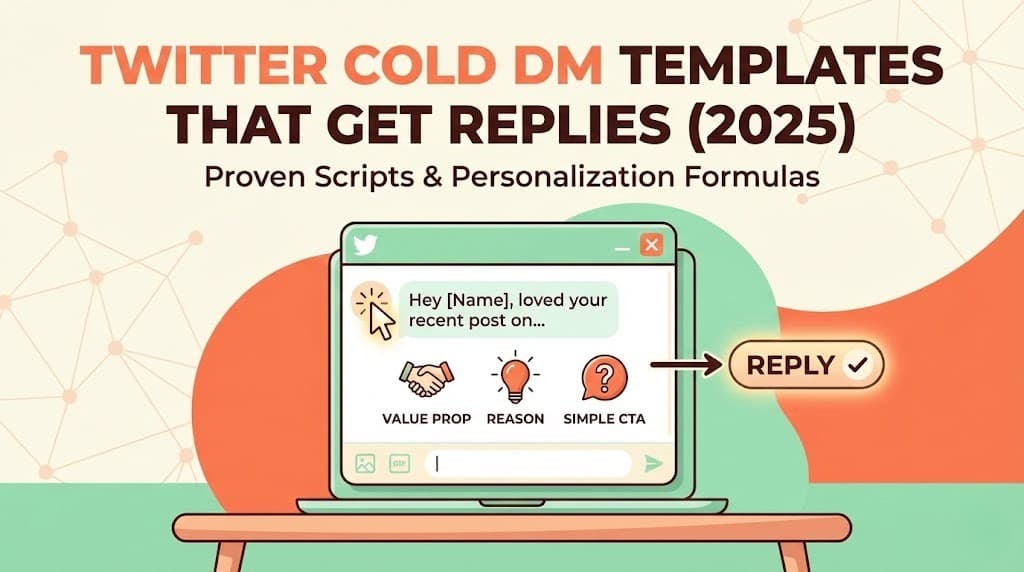
AI-powered personalization tools can analyze each prospect's profile and recent activity to generate unique messages at scale. This is the key to sending mass DMs on Twitter without triggering spam detection. If you want proven structures to start from, see our Twitter cold DM templates that get replies.
Step 5: Built-In Safety Mechanisms
Your Twitter mass DM system needs automatic safeguards:
- Randomized delays: 2 to 5 minutes between messages minimum
- Daily limits: hard caps that cannot be exceeded
- Time zones: activity during normal waking hours
- Pause triggers: automatic stop if any warnings detected
- Engagement balance: automated likes and replies alongside DMs
Mass DM Best Practices
Beyond the technical safety measures, these best practices dramatically improve results when you send mass DMs on Twitter.
Never Include Links in First Messages
Links in cold DMs kill response rates and trigger spam detection:
- Focus on starting a conversation first
- Mention your offer without linking to it
- Share links only after they express interest
- Use your profile link instead of DM links
Keep Messages Under 280 Characters
Shorter messages perform dramatically better:
- Easier to read on mobile
- Feels more conversational
- Less likely to trigger spam filters
- Higher response rates
Effective bulk DM structure:
[Personalized opener: 1 sentence]
[Why you're reaching out: 1 sentence]
[Simple question or soft CTA]
Optimal Timing for Twitter Mass DMs
When you send matters for both deliverability and responses:
- Best days: Tuesday through Thursday
- Best times: 9 to 11 AM and 1 to 3 PM (recipient's timezone)
- Avoid: weekends, late nights, major holidays
- Spread it out: do not send all DMs in a 1-hour window
Better still, send when each prospect is actively in-market. Signal-driven timing beats fixed schedules, as we cover in why timing beats messaging in B2B outbound.
Handle Responses Properly
Your response behavior affects account reputation:
- Reply to positive responses within 24 hours
- Acknowledge negative responses politely
- Never argue with people who are not interested
- Stop all sequences immediately when someone responds
Use Opt-In When Possible
The safest bulk DM Twitter approach includes consent:
- Target people who followed you
- Reach out to people who engaged with your content
- Message people who replied to relevant threads
- Offer value before asking for anything
Tools for Safe Twitter Mass DM Campaigns
Not all automation tools are built for safety. Many older tools will get your account suspended because they were not designed for Twitter's modern detection systems.
What to Look For
Human-Like Behavior Patterns
- Randomized delays between actions
- Activity spread throughout the day
- Built-in rest periods
- Timezone-aware scheduling
Smart Rate Limiting
- Automatic detection of Twitter warnings
- Adaptive limits based on account health
- Gradual ramp-up built into the system
- Pause functionality when issues arise
Real Personalization
- AI-generated messages based on prospect data
- Integration with prospect's recent tweets
- Dynamic content that varies every message
- No detectable templates
Warm-Up Automation
- Automatic engagement before DMs
- Liking and replying to prospect content
- Building familiarity before outreach
For a head-to-head look at the market, read our breakdown of the 7 best Twitter automation tools compared and how to automate Twitter DMs without getting banned.
Why Autoreach is Built for Safe Mass DMs
Most Twitter mass DM tools focus on volume. That is exactly backwards. Autoreach is an AI Buyer Engine that approaches bulk DM Twitter outreach as a complete system designed for safety and results.
1. Account safety at the packet level
Protection is not an afterthought. Autoreach uses browser-grade TLS fingerprinting that is indistinguishable from a human at the network level, per-account behavioral profiles, human-like delays, typing simulation, automatic cooldowns, and an optional dedicated ISP proxy ($15/month). The system monitors for warning signs and adapts automatically instead of pushing through them.
2. Built-in warm-up sequences
Before any DM goes out, Autoreach engages with your prospect's content. It likes their tweets and leaves thoughtful AI-generated replies so your DM arrives to someone who already recognizes your name. Its Growth Loop Engine even runs outbound AI agents that post, comment, and follow in your niche, then captures and enriches anyone who engages.
3. AI personalization at scale (glass-box, not black-box)
Every message is written by AI based on the prospect's bio, recent tweets, and company information. No templates. No merge fields. The Conversation Simulator lets you see and edit every AI reply before it sends, A/B test prompts side by side, and train the AI's voice on your past best DMs. The prompts are fully editable per offer and per sequence.
4. Gradual scaling on autopilot
Autoreach handles the ramp-up for you. It starts slow, builds your account's reputation, and increases volume based on account health signals, so you never trip a dynamic rate limit.
5. Signal-driven targeting
Autoreach monitors 20+ signal types 24/7 with under two minute detection latency: pain points, hiring spikes, funding announcements, tool-evaluation conversations, role changes, and direct intent like "anyone recommend a tool for...". Every lead is scored by fit, intent, and timing into a composite Buyer Score, so you DM people at the moment they are actually in-market.
6. Intelligent conversation handling and meeting booking
When prospects reply, the AI continues the conversation naturally, handles objections, qualifies interest, and books qualified leads straight into your calendar. No back-and-forth about scheduling. No dropped leads. See how to book meetings on autopilot with AI.
You can run all of this in Autopilot (the fully automated web app) or Copilot (a Chrome extension that reads your live X and LinkedIn DMs and suggests replies in real time). Same AI, same data, same CRM. Want to scope your market first? The free, no-login Buyer Signal Scan turns a website into a list of named decision makers with verified LinkedIn profiles and a suggested angle per person in about 20 seconds.
Why Mass DMs Work Better Across Multiple Channels
Here is the truth most Twitter-only guides skip: in 2026, the best outbound is multichannel. A prospect who ignores a cold DM on X might reply on LinkedIn, open an email, or respond to an Instagram DM. Reaching them on one channel and following up on the next is how reply rates climb without pushing any single account past its safe limits.
Autoreach runs a single sequence across four channels: LinkedIn, X (Twitter), Instagram, and Email (Gmail and Outlook, with smart routing so Gmail-to-Gmail and Outlook-to-Outlook protect deliverability). The Growth Loop Engine runs on LinkedIn, X, and Instagram, capturing anyone who engages and auto-enrolling qualified people into outreach.
| Capability | Twitter-only tools | Autoreach |
|---|---|---|
| Channels in one sequence | X only | LinkedIn, X, Instagram, Email |
| Account safety | Varies, often basic | TLS fingerprinting, behavioral profiles, optional dedicated ISP proxy ($15/mo) |
| Signal-driven timing | Rarely | 20+ signals, under 2 min latency |
| AI personalization | Templates or hidden prompts | Glass-box, fully editable, live simulator |
| Modes | One (usually automation only) | Autopilot + Copilot |
| AI usage cost | Marked up into price | Bring your own key, zero markup |
| Pricing | Per-tool, stack 3 to 4 to match | $99/month all-in-one |
Because Autoreach replaces lead discovery, signal detection, warm-up, multi-channel sequencing, AI conversations, and meeting booking, you are not stitching together three or four point tools to do what one plan does. That is the real value at $99/month, not being the cheapest single-feature DM blaster. Curious how intent detection works under the hood? See how to detect buyer intent on LinkedIn and X before competitors.
Key Takeaways
- You can send mass DMs on Twitter safely, but pacing and personalization matter more than the tool. Spam is identical messages at abusive volume; safe mass DMs are personalized messages to relevant prospects.
- Warm up for 2 to 4 weeks before any automation, then scale gradually: 15 to 20 DMs/day on new accounts, up to 50 to 75 on mature accounts.
- Engage before you DM and personalize with real profile data. Never put links in a first message.
- Account safety architecture is the differentiator. TLS fingerprinting, per-account behavioral profiles, human-like delays, automatic cooldowns, and a dedicated ISP proxy keep accounts alive at scale.
- Multichannel beats single-channel. Following up across LinkedIn, X, Instagram, and email lifts reply rates without overloading any one account.
- Signal-driven timing wins. Reach buyers at the moment of intent, not on a cold-list spray.
- Autoreach is $99/month, one plan with every feature, an an optional dedicated proxy (activation included, then $15/mo), and AI included to start via your own key.
Frequently Asked Questions
Is it legal to send mass DMs on Twitter?
Yes. Sending bulk DMs on Twitter is legal and a common business practice used by thousands of companies. Twitter's terms prohibit spam, not automation. The key is following their guidelines around authentic engagement and not sending deceptive or unsolicited commercial messages at abusive volumes.
How many DMs can I safely send per day?
For established, properly warmed-up accounts, 50 to 75 DMs per day is generally safe for long-term sustainability. New accounts should stay under 20 per day during the warm-up period. Verified accounts with excellent reputation can sometimes reach 100 per day.
What's the difference between mass DMs and spam?
Spam is identical messages sent to people who did not ask for them. Effective mass DMs are personalized messages targeting relevant prospects who match your ideal customer profile. The distinction comes down to personalization, relevance, volume management, and respect for rate limits.
How long should I warm up my account before sending bulk DMs?
A proper warm-up takes 2 to 4 weeks minimum. This includes establishing consistent posting, engagement patterns, and a few manual DM conversations. Accounts that skip warm-up regularly face suspensions within days of starting automation.
Does Autoreach work on Instagram and email too, or just Twitter?
All four. Autoreach runs a single sequence across LinkedIn, X (Twitter), Instagram, and Email (Gmail and Outlook, with smart routing for deliverability). The Growth Loop Engine captures and enrolls people who engage on LinkedIn, X, and Instagram, so you are not limited to one channel.
How does Autoreach keep my Twitter account safe at scale?
It uses browser-grade TLS fingerprinting that is indistinguishable from a human at the network level, per-account behavioral profiles, human-like delays, typing simulation, automatic cooldowns, and an optional dedicated ISP proxy ($15/month). It also ramps volume gradually based on account health rather than pushing through warnings.
What does Autoreach cost?
Self-Serve is $99/month and includes all platforms (LinkedIn, X, Instagram, Email) and every feature, with an optional dedicated proxy for $15/month. You use the included AI credits, or bring your own OpenAI or Anthropic key with no markup (typically about $20 to $50/month in AI cost). Set up takes about 30 minutes, there is a 7-day software trial with a $20 activation fee, and you can cancel anytime. A Done-For-You option is $299 setup, then $200 per meeting booked: the Autoreach team sets everything up in one 30-minute call and runs Autoreach for you across all platforms, and you pay nothing else until meetings happen.
What response rate should I expect from Twitter mass DMs?
Spammy bulk messages get 1 to 3% response rates. Well-personalized messages with proper warm-up engagement and signal-driven timing achieve much higher rates. Autoreach users see around a 40% reply rate, with roughly two meetings booked per day across 86,850+ leads scored.
Should I use my personal or a new account for bulk DMs?
Personal accounts with history perform significantly better. They have established trust with Twitter and feel more genuine to recipients. New accounts require longer warm-up periods (4 to 6 weeks) and have lower daily limits.
What should I do if I get rate limited?
Stop all automated activity immediately. Wait at least 24 to 48 hours before resuming. When you restart, reduce your daily limits by 50% and increase organic engagement. Treat it as a warning to reassess your approach and pacing.
Can I automate follow-ups in mass DM campaigns?
Yes, and you should. Most responses come on the second or third message. Set up a sequence of 2 to 3 follow-ups spaced 3 to 7 days apart, and follow up across other channels too. Always stop the sequence immediately when someone responds or asks you to stop.
How do I avoid getting reported for spam?
Target relevant prospects who match your ICP. Personalize every message. Do not include links in first messages. Keep messages short and valuable. Engage with their content before DMing, and respect when someone is not interested.
Start Sending Mass DMs on Twitter the Right Way
Learning how to send bulk DMs on Twitter safely is about respecting the platform, your prospects, and the long-term health of your account. The difference between booked meetings and suspension comes down to patience, personalization, and the right safety architecture.
Your action plan:
- Complete your account audit and fill any profile gaps
- Start the 2 to 4 week warm-up period with consistent organic activity
- Build your prospect list from high-intent, signal-driven sources
- Choose a tool with real account-safety architecture and genuine personalization
- Launch gradually, go multichannel, and optimize based on results
Try Autoreach, the AI Buyer Engine that detects buying signals across LinkedIn, X, Instagram, and email, scores every lead by fit, intent, and timing, runs cross-channel sequences, and books meetings on autopilot. One plan, every feature, an optional dedicated proxy (activation included, then $15/mo), and AI included to start. $99/month, set up in 30 minutes, cancel anytime. Get started today.
Tags
Ready to find buyers worth contacting this week?
Autoreach detects buying signals across LinkedIn, X, Instagram, and email, then books meetings on autopilot.